.png)
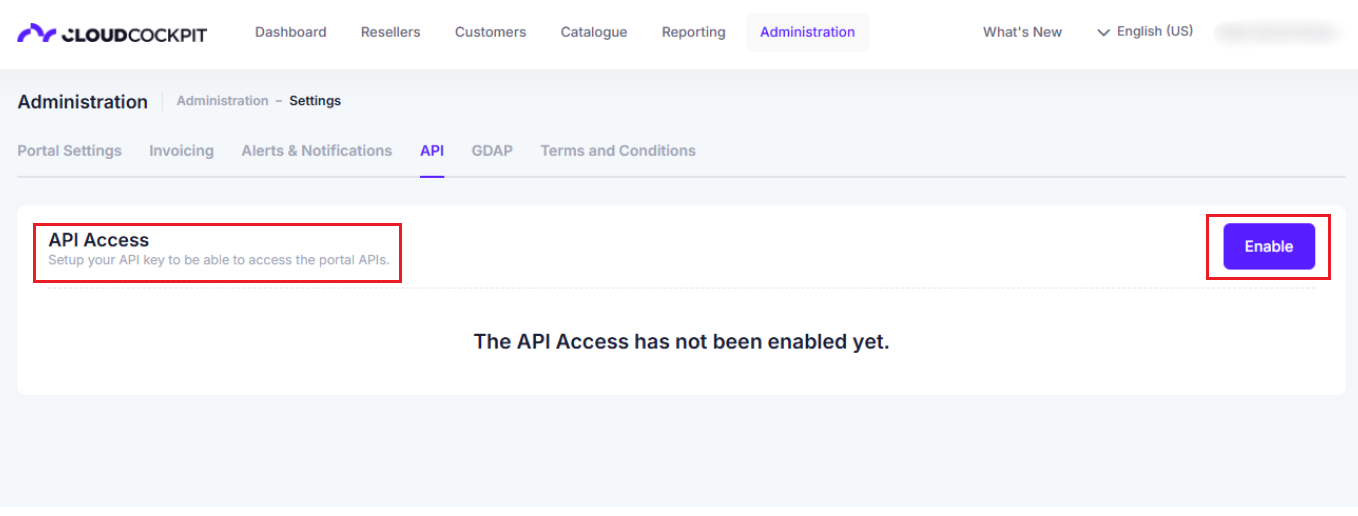
To get started using CloudCockpit API you need a valid API Access. You can create and obtain one very easily if you are a CSP and have the required permission. If you are a Reseller or you don't have the required permission, ask for your API Access Credentials from your CSP or Admin.
- Go to your CloudCockpit portal
- Navigate to the Settings page
- Create a new API Access